
TRANSACTIONS HISTORY
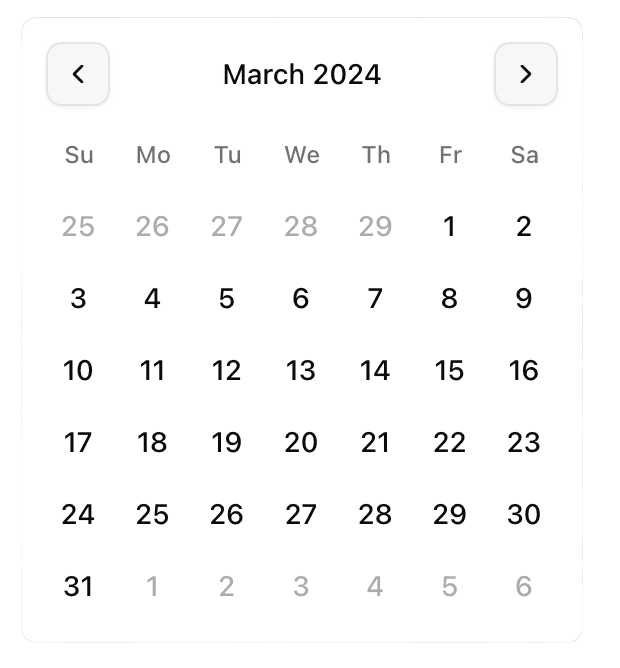
Up to two years of transaction history
Import up to two years of historical transactions to instantly build a complete, data-rich financial archive in Notion.

Transform your Notion workspace into a
powerful, automated finance dashboard.
 Fincord
Chase
3 linked accounts
Chase Sapphire Checking
checking / personal / USD
Chase Reserve Card
credit / travel / USD
Chase Tax Vault
savings / business / USD
Mercury
2 linked accounts
SoFi
2 linked accounts
American Express
2 linked accounts
Accounts view
See how connected institutions, balances, and account health will look once Plaid is linked.
Destination view
Review synced Notion tables, the latest run summary, and the overall destination health.
Setup flow
Browse the new-destination flow with fake mappings and sample data before creating your own workspace.
FEATURES
Fincord puts syncing bank transactions to Notion on autopilot so you can track spending, review history, and manage a finance dashboard that stays updated automatically.
TRANSACTIONS HISTORY
Import up to two years of historical transactions to instantly build a complete, data-rich financial archive in Notion.
COMING SOON

WIDGETS
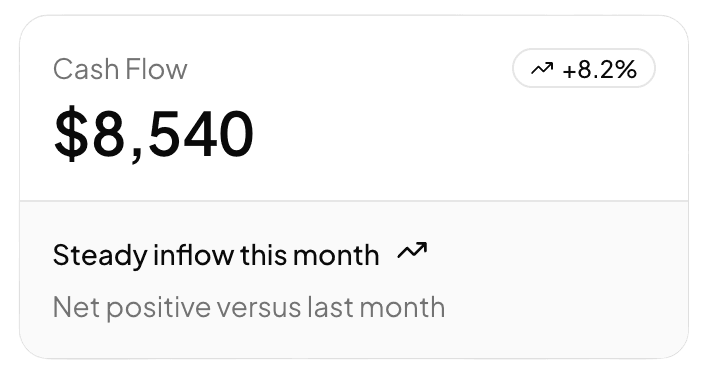
Enhance your workspace with custom Notion Finance Widgets for real-time visual tracking of your spending and savings.

BANK SUPPORT
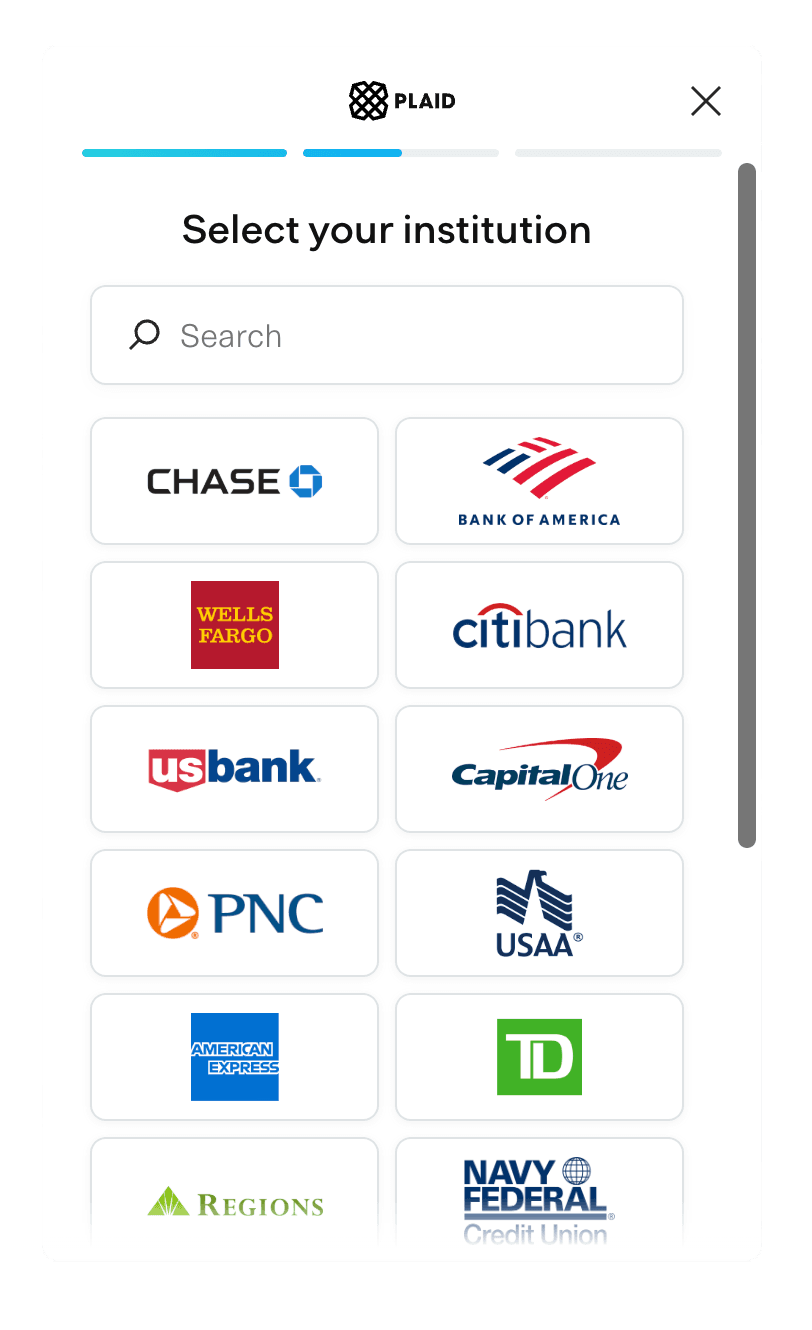
Connect over 9,000 banks worldwide to effortlessly automate your transaction syncing.

CATEGORIZATION
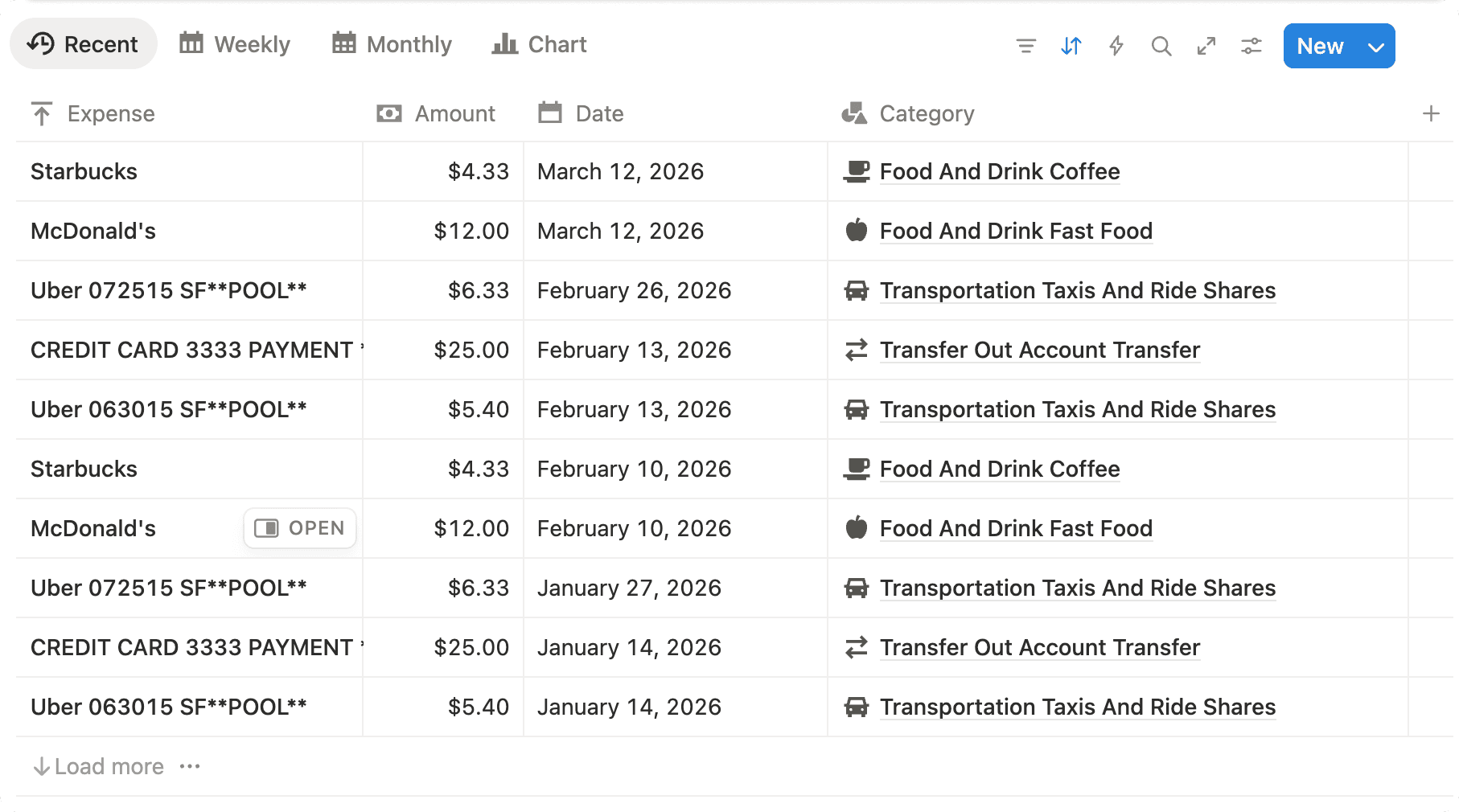
Smartly categorize every transaction automatically, keeping your budget perfectly sorted.
SECURITY
Security is our foundation. Built with bank-level encryption, we provide a safe, private bridge between your bank and Notion without compromise.
Minimal Data Storage
We don’t hang onto your data. Once your transactions sync to Notion, they’re instantly deleted from our servers.
Bank-grade Encryption
Fincord encrypts sensitive integration credentials using industry-standard AES-256-GCM.
Securely connected by Plaid
We partner with Plaid to provide a fast and secure connection to your financial institution.
PRICING
Start syncing bank transactions to Notion with a 7-day free trial on monthly plans, or switch to annual billing for a lower effective rate and built-in savings.
Monthly plans include a 7-day free trial
Annual includes 2 months free
FOR INDIVIDUALS
BILLED MONTHLY
$5
/month7-DAY FREE TRIAL
NO CREDIT CARD REQUIRED
GET STARTEDMOST POPULAR
BILLED MONTHLY
$10
/month7-DAY FREE TRIAL
NO CREDIT CARD REQUIRED
GET STARTEDFAQ
Common questions about bank-to-Notion syncing, security, setup, and how Fincord works inside your Notion workspace.
GET STARTED
Set up Fincord in minutes to automate bank transaction sync, maintain a clean Notion finance dashboard, and stay on top of your numbers every day.